
Tools"
- download :media fire swf file
pas wordnya : ak4567
Caranya :
- Jalankan Fiddler
- Klik Tab AutoResponder (yg icon-nya petir hijau)
- Centang kotak "Enable automatic responses" dan juga "Permit passthrough for unmatched request"
- Jatuhkan .SWF File yang kamu download tadi ke kolom AutoResponder
- Setelah itu bersihkan chace
- Masuk ke Ninja Saga
- Baru pilih karakter yang akan kamu mainkan
- Masuk Shop
- Dan Pilih Buy
Cara Menghapus chace :
Untuk Mozilla Firefox :
Tools -> Options -> Advanced -> Pilih Network Tab -> Clear Now -> Klik OK
Untuk Google Chrome :
Untuk Google Chrome :
Pilih icon yang berada di pojok kanan atas (sebelah bintang) -> Options ->
Under the Hood -> Clear Browsing Data -> Empty the cache -> Clear Browsing Data
Under the Hood -> Clear Browsing Data -> Empty the cache -> Clear Browsing Data
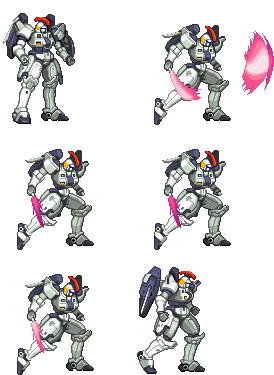 :b:
:b: 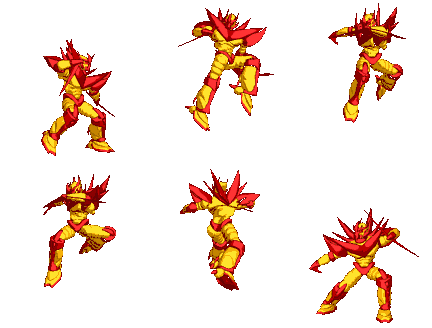 :c:
:c: 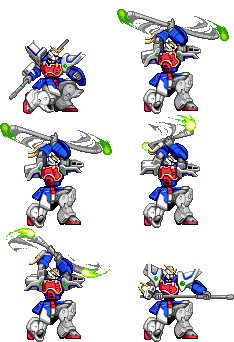 :d:
:d: 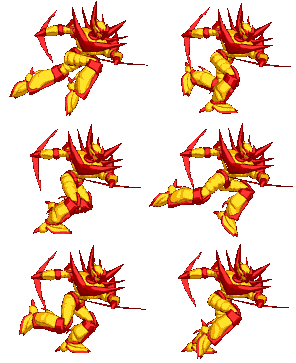 :e:
:e:  :f:
:f:  :g:
:g:  :h:
:h:  :i:
:i:  :j:
:j:  :k:
:k:  :l:
:l:  :m:
:m:  :n:
:n:  :o:
:o:  :p:
:p: 


